Introduction
A virtual USD card can be a convenient payment option for eligible international online transactions. But before using one, understand how the card is funded and what restrictions may apply. A successful payment depends on more than the card balance. Merchant acceptance, transaction limits, card status and billing details can all affect whether a transaction is approved.
1. How do I fund the card?
Understand the steps for moving money into the card or the account used to support card spending. Check the source currency, destination currency, conversion rate and fees shown during funding. Review the amount that will be available after the process is complete.
2. What limits apply?
Find out whether the card has per-transaction, daily or monthly limits. Understand how limits are calculated and whether previous spending affects the remaining allowance. A transaction may be declined if it exceeds a limit, even when the card has enough funds. If a card payment is declined, what to check when an online subscription payment fails.
3. Which merchants accept the card?
Acceptance can differ between online services. Some merchants may not accept virtual or prepaid cards, and some may apply country or billing-address restrictions. Review the merchant's payment guidance before relying on the card for an important purchase or renewal.
4. How do I check the available balance?
Know where to view the current balance and recent card activity. Check the balance before a planned purchase and before recurring payments. If the product provides transaction history, use it to understand completed and pending activity.
5. What controls are available?
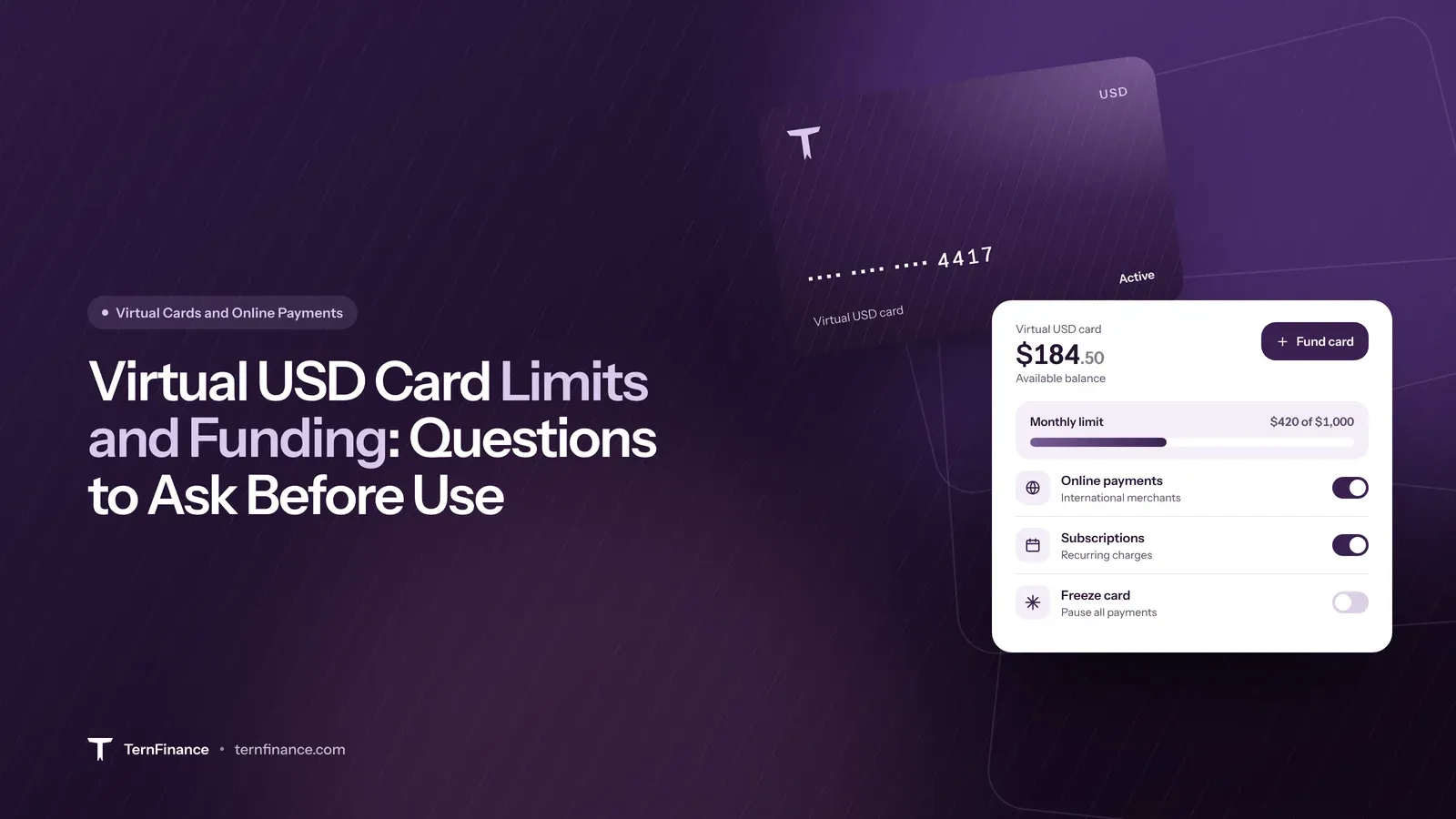
Understand the controls provided by the card issuer. These may include freezing the card or setting monthly limits, depending on the product. Learn how to use available controls and understand how they affect future transactions and recurring payments.
6. What should I do if a payment is declined?
Check the balance, card status, limits, billing details and merchant rules. Read any decline message and avoid repeatedly retrying without understanding the cause. Contact the merchant or provider if the issue remains unresolved.
Funding and card balance are related, but not the same question
Funding describes how money is made available for card spending. The available card balance is the amount currently available for transactions. Depending on the product design, a funding action may involve a conversion or transfer, and the amount available after that action may differ from the amount you started with because of the rate or applicable fees. When funding involves a currency conversion, what to review before confirming a currency conversion.
Before funding, check the source balance, destination currency, rate, fees and expected available amount. After funding, confirm that the card or associated balance reflects the expected funds before attempting a payment. If the funds do not appear as expected, consult the provider's transaction status and support guidance.
Do not assume that funding a card automatically increases every transaction limit. Balance and limits are separate controls and should be checked independently.
Understand how limits affect different types of payment
A per-transaction limit may affect one large purchase, while a monthly limit may apply to the total activity during a billing period. A merchant may also have its own maximum or minimum payment amount. These conditions can operate at the same time.
For recurring subscriptions, consider whether the limit will still allow the next renewal after other spending has taken place. If you use the card for several merchants, review the remaining allowance before the renewal dates. A payment can fail even if the card has a positive balance.
Read the provider's terms to understand when limits reset and whether they can be changed. Never assume that a limit will reset at midnight or on the first day of a calendar month unless the product documentation says so.
Create a card-use routine
Before a planned payment, check merchant acceptance, card status, available balance and applicable limits. After payment, review the transaction history and note any pending authorisation. Before a recurring charge, repeat the checks rather than relying on the outcome of the first payment.
For a wider overview, read virtual USD cards and what to check before paying online. If a charge is declined, use the steps in why an online subscription payment might fail to identify the likely cause before retrying. For a broader introduction to card acceptance and payment basics, see what to check before using a virtual USD card.
Conclusion
Before relying on a virtual USD card, understand its funding process, available balance, limits, merchant acceptance and controls. Tern Finance offers virtual USD cards as part of an experience designed to help individuals manage money across Naira and USD. Review the relevant product terms and transaction details before use.