Introduction
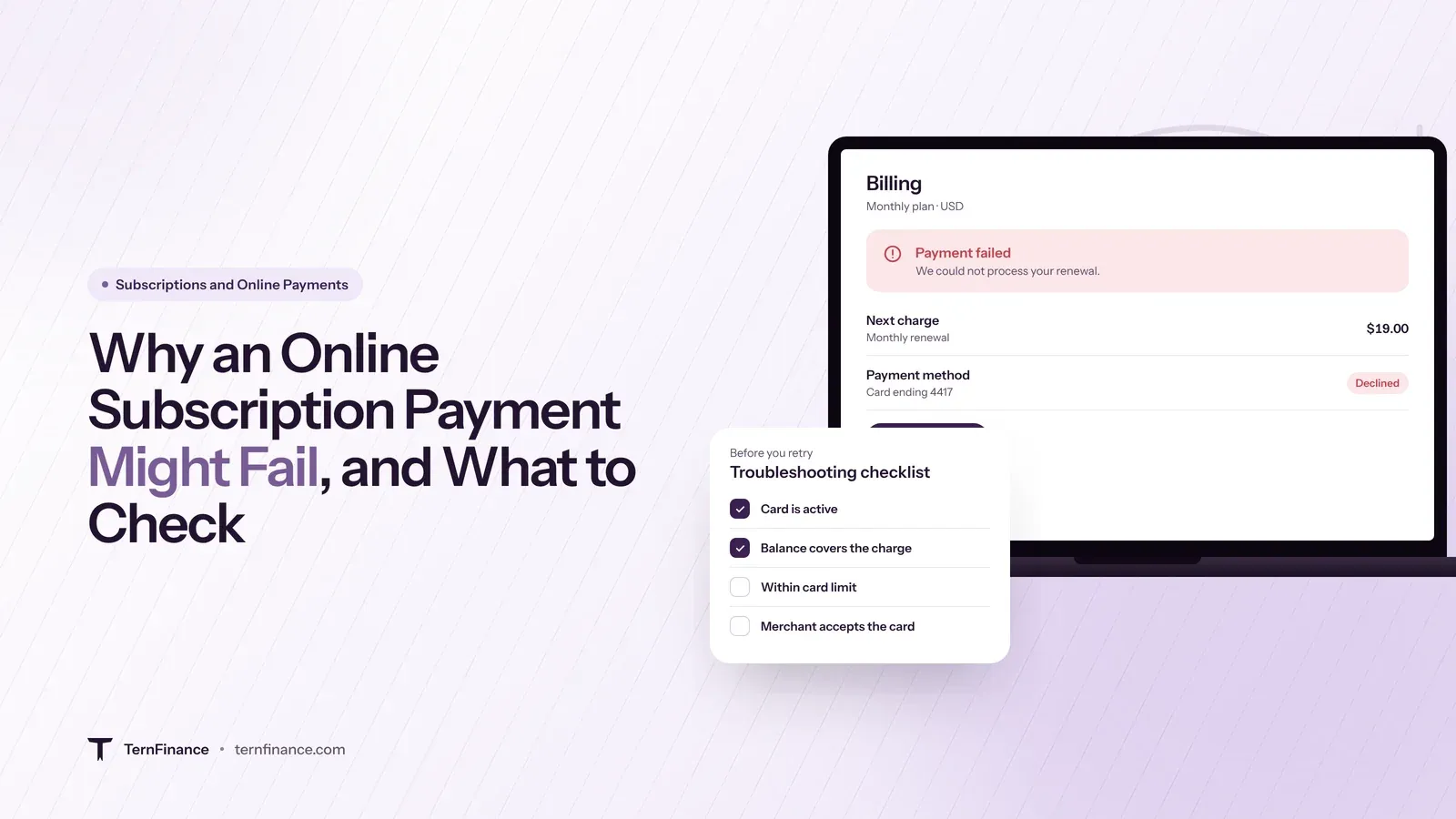
A failed subscription payment can interrupt access to a streaming service, work tool, cloud platform or learning resource. It can also be confusing when the same card worked for an earlier payment. A decline may relate to the card, available funds, merchant rules or billing information. Work through these checks before repeatedly attempting the transaction.
1. Check the available balance
Check the amount due, billing currency and available balance on the payment method. If the subscription is billed in a foreign currency, do not rely on an old naira estimate. Account for applicable conversion costs or fees.
2. Confirm that your card is active
A card may be frozen, expired, disabled or otherwise unavailable. Check its status and expiry details, confirm online payments are permitted and review any security notifications from your provider. If it was frozen for security reasons, follow the provider's process before trying again.
3. Review card limits
A transaction can be declined when it exceeds a per-transaction or monthly limit. Compare the attempted charge with the applicable limits. Previous spending may have used part of a monthly allowance, even when the card still has a sufficient balance.
4. Verify billing information
Some merchants check the billing name, address, country or postal details supplied at checkout. Incorrect or inconsistent information can contribute to a decline. Use accurate details and follow the merchant's instructions.
5. Check the merchant's payment rules
Some merchants do not accept certain card types, countries or recurring-payment arrangements. A virtual card may be accepted for a one-time purchase but not a recurring charge, depending on the merchant. Review the merchant's help information or contact its support team if the reason remains unclear. For more detail on card funding and usage restrictions, see virtual USD card limits and funding.
6. Avoid repeated blind attempts
Read the decline message, check your account activity and see whether a pending authorisation already exists. Repeatedly submitting the same payment without identifying the cause may not solve the issue. If you see a transaction you do not recognise, contact your provider through its official support channel.
A step-by-step troubleshooting sequence
Start with the simplest checks and move through them in order. First, read the exact message shown by the merchant. A generic decline message may not reveal the reason, but it can tell you whether the issue occurred during authorisation, billing verification or account access.
Second, check your transaction activity. Look for a completed charge, a pending authorisation or multiple attempts. This matters because retrying while an earlier authorisation is pending can create confusion about the amount that is available.
Third, check the payment method itself. Confirm the card is active, has not expired or been frozen, and has enough available balance. If the transaction is in a foreign currency, review the current funding position rather than relying on a previous estimate.
Fourth, review limits and merchant rules. A payment can fail even when the balance is sufficient if the transaction exceeds a limit or the merchant does not accept that card type. For more detail, see the guide to virtual USD cards and what to check before paying online. For card-specific checks, see what to check before using a virtual USD card.
When should you contact the merchant or card provider?
Contact the merchant when the payment page or subscription account indicates that the payment method was rejected, the billing details are not accepted or the subscription status is unclear. Provide the date, amount, currency and the error message, but do not send your full card number or security code.
Contact your card or financial provider when the account shows an unfamiliar transaction, the decline reason is not clear, the card status appears incorrect or you need help understanding a pending authorisation. Use only official support channels.
If the service is essential for work, consider whether there is another payment method accepted by the merchant while the issue is being resolved. Do not assume that repeated attempts will force a payment through.
How to reduce the chance of another failed payment
After resolving the immediate issue, update your subscription tracker. Record the successful payment date, the payment method used and the next renewal date. If the problem was insufficient balance, set a reminder to check funds ahead of the next billing cycle.
If the issue was a card limit, understand how much of the limit remains and whether it resets daily or monthly. If the merchant does not accept the card type, avoid relying on it for future renewals. Prevention starts with knowing which condition caused the decline. Planning ahead with preparing for international subscription renewals in Nigeria.
Conclusion
When an online subscription payment fails, check the balance, card status, limits, billing details and merchant requirements. Tern Finance brings together multi-currency wallets, virtual USD cards and balance-aware reminders for USD-card subscriptions, supporting a more organised way to manage recurring digital payments.