Introduction
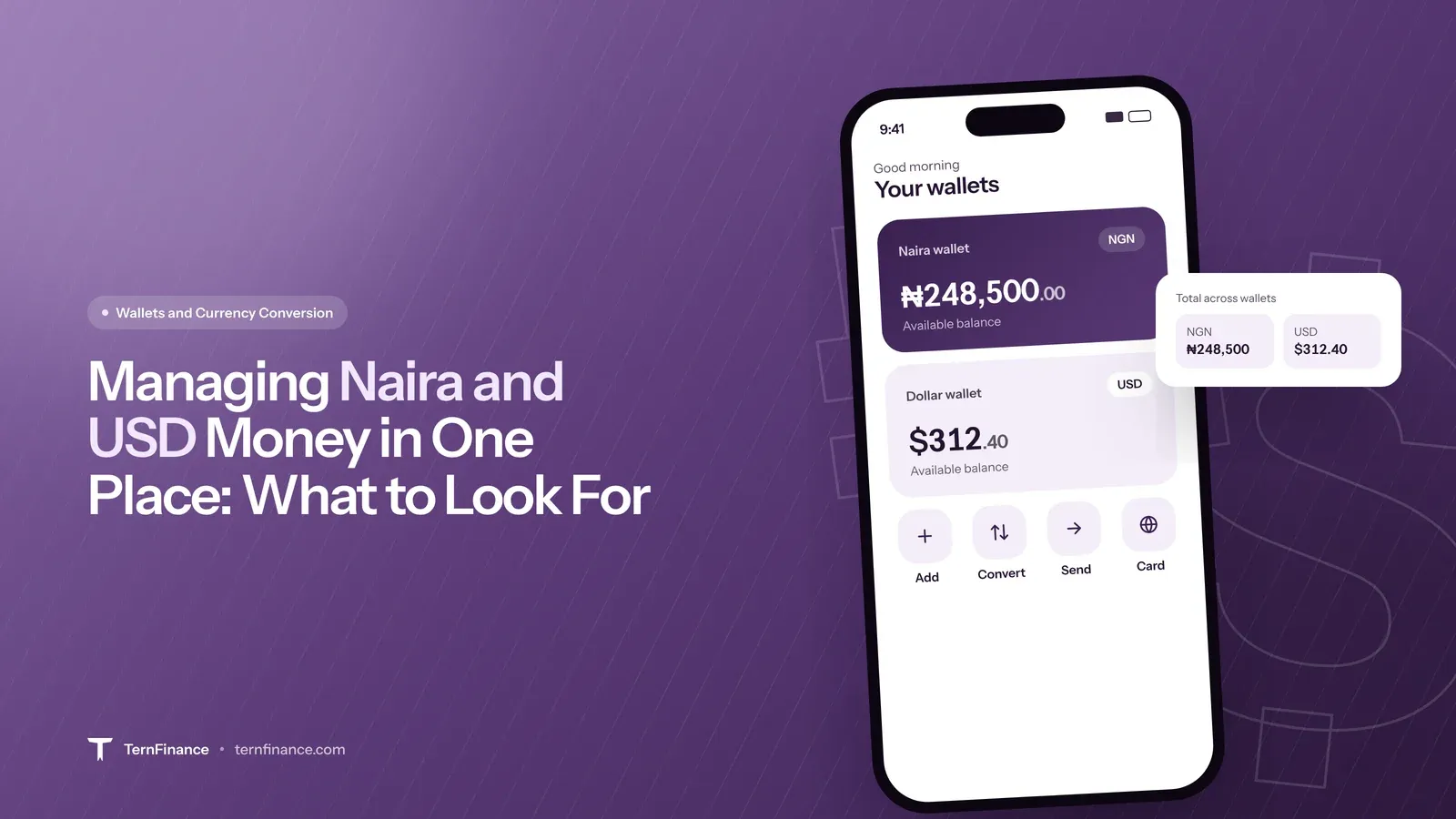
Many Nigerians receive, hold, spend or plan around money in more than one currency. You may earn in naira, pay for an international service in dollars or need to understand how a conversion affects your available funds. Managing these activities across separate accounts or apps can make it harder to see your overall position. A multi-currency wallet can bring some activities into one experience, but it is important to understand what the product supports.
1. Understand which currencies the wallet supports
Start with the currencies you regularly use. Check whether the wallet supports Naira and USD, whether each currency has a separate balance and what transactions are supported for each balance. Understand the conditions for holding, receiving, converting or spending each currency.
2. Look for clear conversion information
Review the rate, fees, amount being converted and amount expected in the destination wallet before confirming. A clear transaction review helps you make an informed decision rather than estimating the result. If you monitor currency movements, planning around currency movements with rate alerts.
3. Review transfer options and limits
If you need to move money, understand which local transfers are supported and what limits apply. Check transfer destinations, transaction limits, processing information and any charges before confirming a transfer.
4. Consider how the wallet connects to spending
If you use a virtual USD card, check how its funding works and how card transactions appear in your account activity. Understand the relationship between wallet balances and card funding, and review whether spending controls are available.
5. Look for useful spending information
Balances show how much money is available, but they do not explain how spending changes over time. Spending insights can help identify patterns, compare months and notice changes in recurring expenses. Look for clear explanations rather than data that is difficult to interpret.
6. Make transparency a deciding factor
Review fees, limits, transaction information and support resources before choosing a financial app. A useful experience should make important details visible before you commit to a transaction and help you understand what happened afterwards.
Questions to ask before choosing a multi-currency wallet
Do not compare wallets only by the number of currencies displayed on the home screen. Look at the transactions you need to complete. Can you hold the currencies you use? Can you convert between them? Are local transfers supported? Can you see the destination and amount before confirming a transaction? Before confirming a transaction, focus on reviewing fees, limits and destination details.
Also review the product's terms and conditions. Understand any account eligibility requirements, transaction limits, fees and processing information. These details affect whether the wallet fits your regular use, especially if you rely on it for scheduled payments or international expenses.
Think about how you will use the wallet over a normal month. You may receive or hold Naira, convert some funds to USD, pay for online services and review your spending afterwards. A product that makes each step clear can make the overall experience easier to manage. It is also useful to understand understanding month-on-month spending changes.
A simple example of managing two currency balances
Imagine that your everyday income and local expenses are in Naira, while some of your digital subscriptions are billed in USD. You need to understand how much Naira is available for local spending and how much USD is available for international payments. Separate balances can make those purposes easier to distinguish.
When you plan a conversion, review the amount leaving the source wallet, the exchange rate, any applicable fee and the amount expected in the destination wallet. Do not assume that the rate you saw earlier will still apply. Confirm the details shown at the time of the transaction. For a closer look at the checks involved, see what to review before confirming a currency conversion.
After paying for a subscription or making a transfer, review the transaction history. This helps you connect the movement between balances with the expense or payment it was intended to support.
Look for visibility after the transaction
A wallet should help you understand more than the balance before a transaction. Transaction history, clear descriptions and spending summaries help you understand where money went. If the product offers spending insights, consider whether those insights explain changes in plain language and help you identify patterns.
For a deeper look at conversion checks, read what to review before confirming a currency conversion. If you want to understand the information that should appear before a transfer or conversion is confirmed, see the practical guide to reviewing fees, limits and destination details.
Conclusion
Managing Naira and USD together is about more than seeing two balances. Consider conversion transparency, transfer options, card funding, spending controls and useful financial insights. Tern Finance is designed to help individuals manage money across Naira and USD through multi-currency wallets, conversion, local transfers and related spending tools.