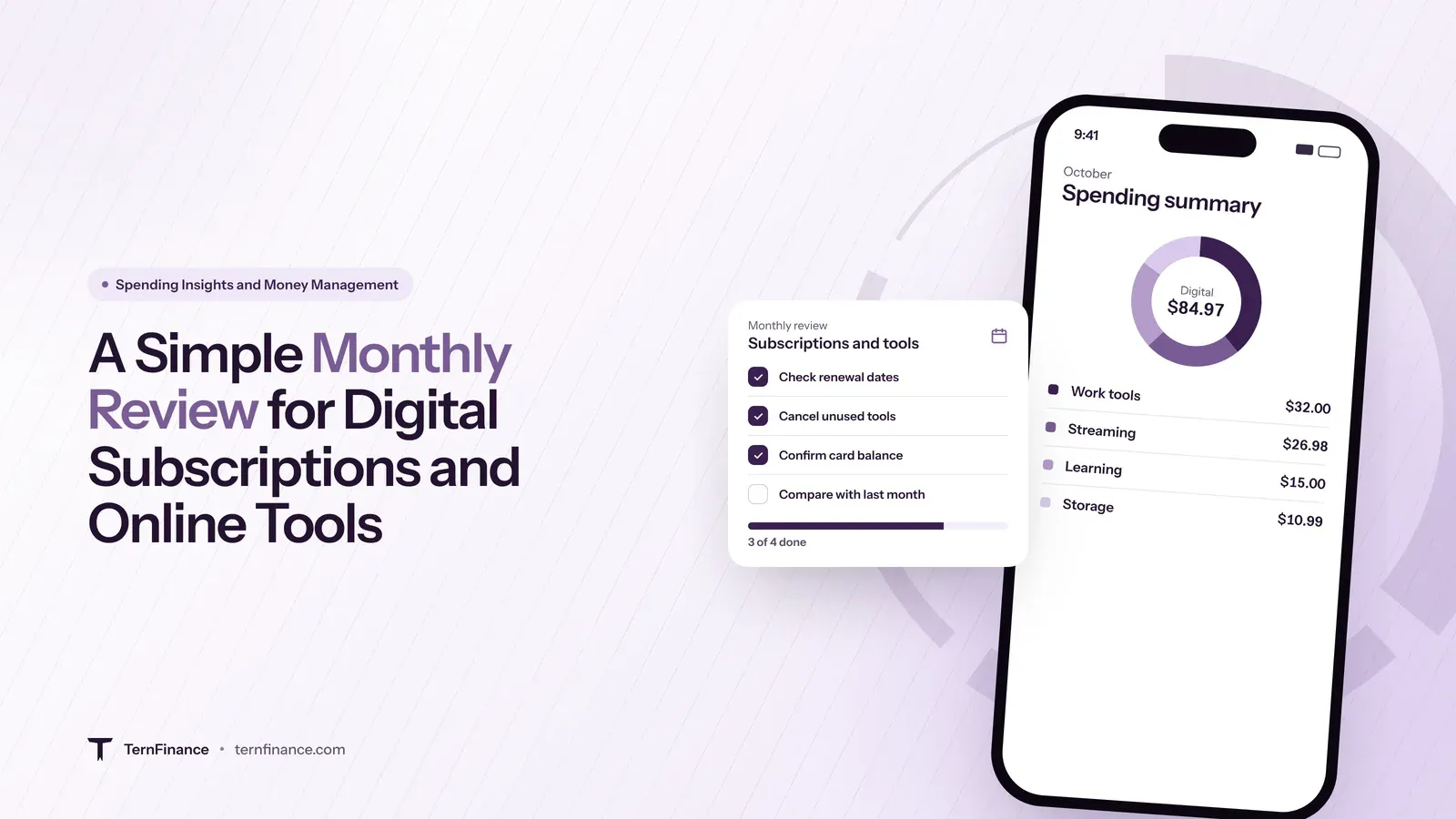
Introduction
Digital subscriptions often renew quietly in the background. Over a month, several small charges can add up, especially when you use services for entertainment, work, learning, storage and productivity. A monthly review gives you a regular moment to understand what you are paying for, whether the services remain useful and what is coming up next. It does not need to be complicated. A consistent checklist can bring recurring digital expenses into view.
1. Gather your subscription information
Start with your transaction history, merchant emails and subscription list. Include monthly and annual plans, free trials that have converted to paid plans and tools billed in foreign currencies. Record the amount, currency, payment method and next renewal date.
2. Check what you actually use
For each service, consider how often you used it during the month and what value it provided. A tool may still be essential even if you use it only for a specific project, so consider its purpose rather than frequency alone. Identify unused services and overlapping tools.
3. Compare this month with last month
Review digital spending across two comparable periods. Identify new charges, price changes, annual renewals and currency-related differences. If the total has increased, find the transactions that explain the movement.
4. Prepare for upcoming renewals
Look ahead to the next billing cycle. Check which subscriptions renew soon, whether the payment method is active and whether sufficient funds are available. A reminder before renewal gives you time to make changes. A useful habit throughout the month is keeping track of recurring digital expenses.
5. Review payment methods and controls
Check the payment method attached to each important subscription. For a virtual USD card, review available balance, card status and limits. Where supported, card-freeze controls and monthly limits can add a layer of control, but understand how those controls affect recurring payments.
6. Set next month's actions
Finish the review by writing down a small number of actions. You may need to cancel an unused service, change a plan, prepare for an annual renewal or adjust your budget. Set a date for each action and review its effect next month. For help planning upcoming billing dates, see preparing for international subscription renewals in Nigeria.
A 20-minute monthly review routine
You do not need to spend hours reviewing digital expenses. A short routine can be effective if you repeat it consistently. Start by opening your subscription list and checking the next 30 days. Mark services that are due to renew and confirm whether you still intend to keep them.
Next, review the previous month's transactions. Compare recurring charges with your list and look for new, changed or unfamiliar payments. Check whether a foreign-currency charge changed in naira terms because of the conversion, rather than because the merchant increased its price. Freelancers may also find the digital-expense checklist for Nigerian freelancers.
Finally, make decisions. Cancel services you no longer need, prepare for upcoming annual renewals, update your budget and set reminders for payments that require attention. Record what you changed so that next month's review has a clear starting point.
A practical review worksheet
Use the following prompts to keep the review focused: Which services renewed this month? Which renewals are due next month? Did any subscription price or billing frequency change? Did any payment fail? Which services were not used? Did foreign-currency expenses change in naira terms? Are there duplicate tools or overlapping plans?
Also review whether your payment methods are still appropriate. Confirm that important cards are active, that balances and limits are understood and that billing details are current. If you use a virtual USD card, check the merchant's acceptance rules for recurring payments.
Keep the answers in a simple note or spreadsheet. Over several months, this creates a useful record of your recurring digital commitments and makes unusual changes easier to spot.
Use spending insights to understand the bigger picture
A list of subscriptions explains what you pay for, while spending insights can help show how those expenses affect your overall activity. Compare similar months and look for patterns rather than reacting to a single number. A change may reflect a new tool, an annual renewal, a different exchange rate or a change in how much you use a service. To understand changes in recurring costs, review understanding month-on-month spending changes.
To understand the numbers in more detail, read how to understand month-on-month spending changes. For a system you can use throughout the month, see how to keep track of recurring digital expenses.
Conclusion
A monthly review helps you understand which digital services you pay for, what they cost and whether they still meet your needs. Tern Finance Intelligence is designed to help users understand spending activity and month-on-month movements, while multi-currency wallets, virtual USD cards and balance-aware reminders support the management of digital expenses across Naira and USD.