Introduction
Digital expenses can be easy to overlook because many services charge automatically. A streaming plan, cloud storage account, work application or learning platform may renew without requiring you to take action. The challenge grows when each service has a different billing date, price and currency. A recurring-expense system helps you see what is coming, what has been charged and which services still deserve a place in your budget.
1. Create one central subscription list
Avoid relying on separate emails or memory. Create a single list of every recurring digital service and update it whenever you start, change or cancel a plan. Record the service, purpose, amount, currency, renewal date, billing frequency and payment method.
2. Group expenses by purpose
Group services into categories such as entertainment, work tools, education, storage and communication. This makes spending easier to understand and helps identify overlap, such as paying for multiple services that perform similar tasks.
3. Track dates as well as amounts
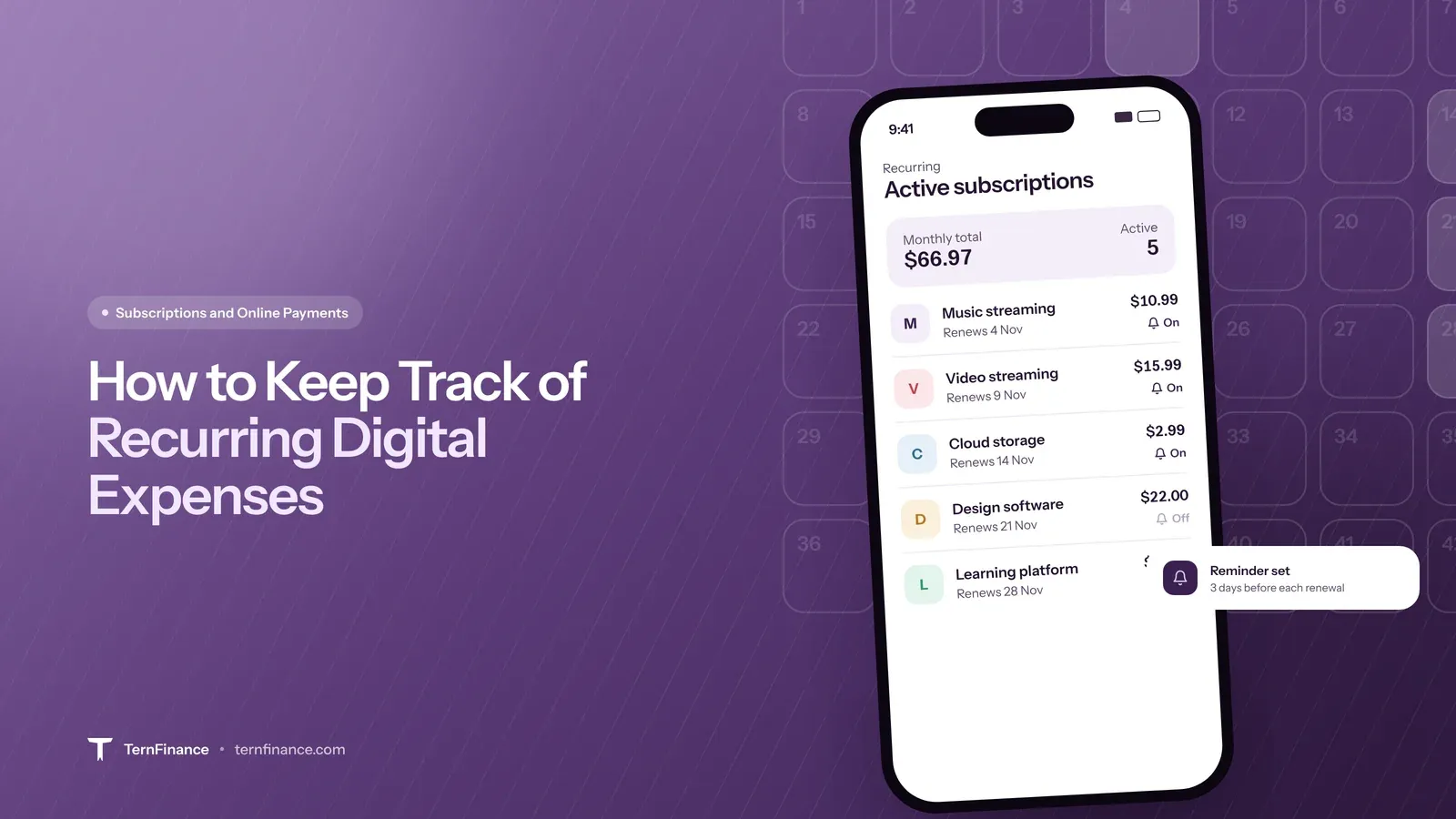
A list of prices alone is not enough. Renewal dates help you anticipate when money may leave your account. Use a calendar or reminder system to flag payments before they happen, especially when several services renew close together.
4. Understand foreign-currency costs
Some services bill in USD or another currency. The naira cost can change with exchange rates and applicable fees. Keep the billing currency visible in your tracker and review conversion information when preparing funds.
5. Use reminders and spending insights
Reminders help you prepare for scheduled payments. Spending insights can show how expenses move over time. Where available, balance-aware reminders for scheduled debits and USD-card subscriptions can help you notice upcoming payment obligations. To see how recurring charges affect your overall costs, understanding month-on-month spending changes.
6. Do a monthly clean-up
Once a month, confirm which services are active, useful and worth keeping. Check for duplicate plans and unused trials. If you cancel a service, keep the confirmation and check the next statement or transaction history to ensure the billing status reflects your action.
Use a tracker that answers practical questions
A useful subscription tracker should answer four questions quickly: what am I paying for, how much does it cost, when will it renew and how is it paid? Add the currency and status so you can distinguish active subscriptions from services you have cancelled or paused. If a renewal does not go through, what to check when an online subscription payment fails.
Keep the tracker in a place you will actually revisit. A spreadsheet may be enough if you have a small number of services. If you use a calendar, create reminders ahead of the renewal date rather than on the day itself. Whichever method you choose, update it immediately when a plan changes.
Do not store full card numbers, security codes or passwords in a basic subscription spreadsheet. Keep sensitive payment information in the secure tools designed to store it.
Understand the difference between a subscription and a recurring expense
A subscription is one type of recurring expense, but not every recurring digital cost is a subscription. You may have regular cloud hosting, domain renewals, software licences, storage fees or other services that bill on a schedule. Include these commitments in your review even if they do not use the word subscription. When several services bill at different times, preparing for international subscription renewals in Nigeria.
Some services renew monthly, others annually, and some charge based on usage. Record the billing model because it affects how predictable the expense is. For usage-based services, review previous invoices and consider whether the cost could change as your activity changes.
Where a service offers pause, downgrade or cancellation options, understand the effect of each option. Pausing may preserve an account, while cancellation may remove access or stored features after a period. Check the provider's terms before making a change.
Turn your list into a monthly routine
Choose a consistent day each month to review the tracker. Check the next 30 days of renewals, confirm payment methods, identify unused services and compare the total with the previous month. If a charge is unfamiliar, investigate it rather than simply adding it to the list.
For additional guidance, read the monthly review for digital subscriptions and online tools. If you have experienced a declined renewal, the article on why an online subscription payment might fail provides a structured set of checks. A regular review can help you decide which services to keep, using a monthly review for digital subscriptions and online tools.
Conclusion
When recurring digital expenses are visible, they are easier to plan for and manage. Tern Finance supports individuals managing money across Naira and USD, with balance-aware reminders for scheduled debits and USD-card subscriptions, alongside spending insights that help you understand changes in your activity.